Open-source Rust runtime for VEX robots.
vexide provides tools and a safe and efficient runtime for programming VEX V5 robots in Rust. 🦀
#[vexide::main]
async fn main(peripherals: Peripherals) {
// Create a green motor on port 1.
let mut my_motor = Motor::new(
peripherals.port_1,
Gearset::Green,
Direction::Forward,
);
// Spin the motor at 10 volts!
_ = my_motor.set_voltage(10.0);
} Fall Updates: Standard Library Support with vexide 0.8.0!
vexide 0.8.0 brings support for the Rust Standard Library, an improved development experience, and various API improvements.

A new way to program your robot.
Using vexide, you get a powerful new environment to program your robot in with the full capability of the Rust Programming Language.

Unmatched reliability.
When something goes wrong on the field, you should know why. Rust's and vexide's design promote fault-tolerant, reliable, and memory-safe programming. Mistakes that would be left unchecked in other environments are often caught before you even build your code.
Huh?Use libraries with Cargo.
vexide is just a regular library in a standard Rust project controlled by you. Using cargo, you gain access to Rust's ecosystem of 300,000+ third-party libraries and packages to use in your code. Adding and managing dependencies is made incredibly simple by Rust's build tooling.
Check it out!Great for large projects.
Your project will scale nicely as it gets larger. Code is split into different modules and files without the hassle of header files. cargo workspaces even allow you to program multiple different robots alongside each other in the same project!
Read moreStop waiting on wireless uploads.
Differential uploads let vexide patch existing code on the brain instead of uploading the whole thing. This makes wireless uploads nearly instant even on huge codebases!
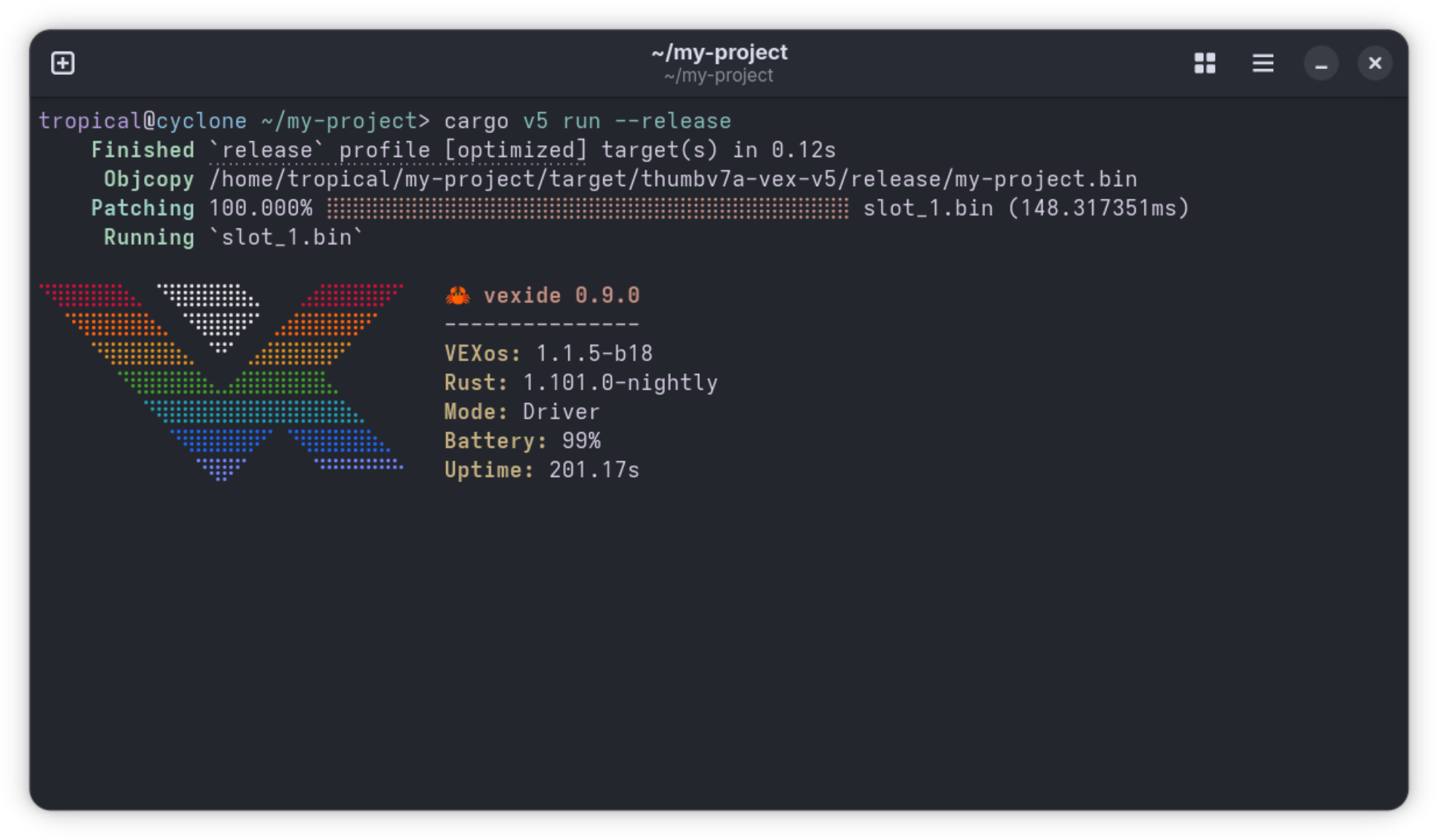
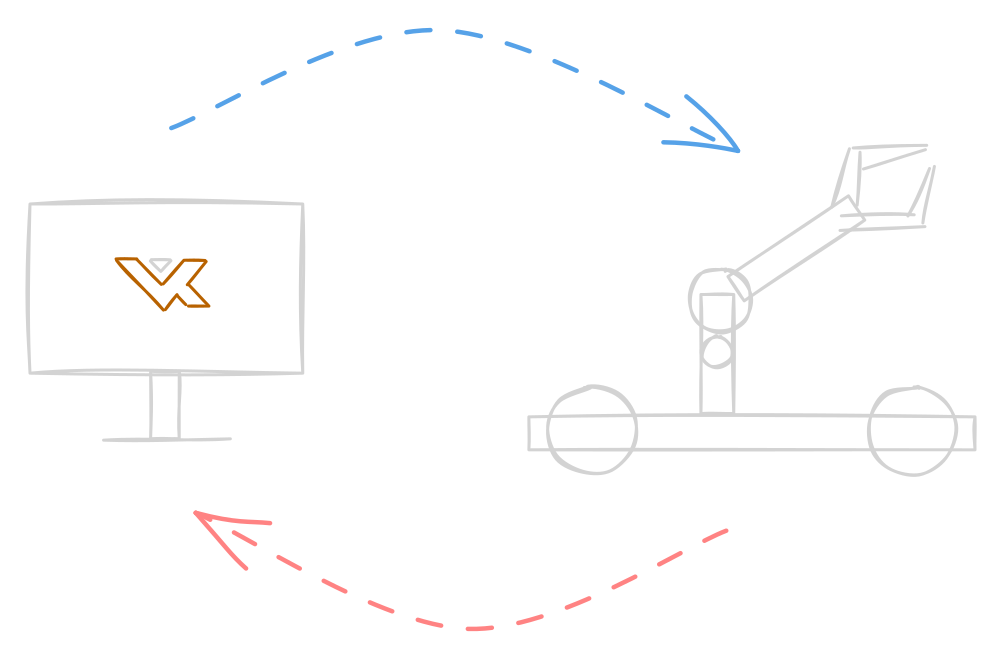
No robot? No problem!
vexide supports host compilation, allowing you to build and run your robot's code directly on your computer in a mock environment. No robot or any VEX hardware required!
Using this, you can also use Rust's unit testing features to automatically test the correctness of individual parts of your code without a robot present.
cargo test Doc-tests vexide_async
running 11 tests
test packages/vexide-async/src/task.rs - task (line 100) - compile ... ok
test packages/vexide-async/src/task.rs - task (line 133) - compile ... ok
test packages/vexide-async/src/task.rs - task (line 74) - compile ... ok
test packages/vexide-async/src/time.rs - time::sleep (line 74) - compile ... ok
test packages/vexide-async/src/time.rs - time::sleep_until (line 100) - compile ... ok
test packages/vexide-async/src/local.rs - local::task_local (line 83) ... ok
test packages/vexide-async/src/task.rs - task (line 51) ... ok
test packages/vexide-async/src/task.rs - task (line 36) ... ok
test packages/vexide-async/src/local.rs - local::LocalKey<T>::with (line 135) ... ok
test packages/vexide-async/src/local.rs - local::LocalKey (line 36) ... ok
test packages/vexide-async/src/task.rs - task::Task (line 197) ... ok
test result: ok. 11 passed; 0 failed; 0 ignored; 0 measured; 0 filtered out; finished in 0.67sMaintained in the open, for the community.
vexide is free and open source under the permissive MIT license with zero proprietary code. It is maintained by a passionate group of current and former competitors around the world.
vexide benefits everyone in the community, not just Rust users. We maintain tools for communicating and debugging with VEX hardware, document previously undocumented APIs, and have audited bugs in both firmware and partner projects like PROS.

Ready to try it?
- Install Rust.
Follow the instructions on https://rust-lang.org/learn/get-started/ to install Rust and Cargo on your computer.
If you are on Windows, it might also prompt you to install Visual Studio Build Tools.
- Install cargo-v5.
If you are on a computer running Windows, run the following commands in a PowerShell terminal:
Set-ExecutionPolicy RemoteSigned -Scope Process
irm https://vexide.dev/install.ps1 | iex
If you are running Linux or macOS, run this command in a shell:
curl -fsSL https://vexide.dev/install.sh | sh -If you don't want to use a script to install cargo-v5, there are some alternative installation methods.
- Create your first project.
Navigate to a folder and run the following command to create a new vexide project:
Next Stepscargo v5 new my-project